

Tips from our Shopify developers on improving store performance
29 May 2026


If your speed scores are dipping or your Shopify store feels slow, don’t panic. There’s almost always a clear reason behind it, and nine times out of ten it’s something that can be fixed quickly. A few tweaks can make a bigger difference than you’d expect.
Simple fixes to speed up your Shopify store
From bloated themes to forgotten apps, performance problems tend to sneak in over time. We help our clients on Shopify tackle these issues every day, and in this article we’re sharing the quick wins that can make a noticeable difference. Whether you’re on Shopify or Shopify Plus, these tips can help keep your store lean, fast, and conversion-focused.
Reduce unused Shopify apps slowing down your store
One of the biggest hidden performance drains on a Shopify store is unused or half-used apps. Every app you install adds something to your storefront, extra scripts, CSS files, network requests, or background processes.
So, even if you’re no longer actively using an app, its code often continues to load on every page, and this can quietly slow things down and affect your speed scores.
We come across a common theme when we audit stores prior to coming into Shopify support - old apps are still installed and running in the background after testing a feature, changing strategy, or switching theme.
Over time, that creates a bloated environment where small delays can stack up into noticeable friction for customers. Removing, disabling, or replacing bulky apps can instantly improve load times and give your store a cleaner, more consistent user experience.
Our Shopify developers recommend running a simple quarterly app audit to stay on top of this. Even after a client has removed an app, it’s not guaranteed there’s no fragments of it left in the theme’s code. That’s why, in our Shopify audits, we review the theme code to ensure there’s no references to the app, which helps improve the store’s performance.
This leads into our next advice on stripping out scripts and tracking tags.
Strip out unused scripts and old tracking tags
As your store grows, it naturally collects a trail of legacy scripts, old marketing pixels, retired A/B testing tools, duplicate analytics tags, and leftover code from apps you no longer use.
These fragments often stay embedded in your theme or your tag manager long after you’ve stopped relying on them. This results in extra JavaScript to process, more network requests to load, and a storefront that feels slower than it should.
Cleaning up these outdated scripts can have a noticeable impact on performance. Wherever possible, consolidate tracking through Google Tag Manager or Shopify’s Customer Events system so everything loads in a structured, predictable way.
These tools allow you to manage your tracking without scattering scripts across different theme files, making it easier to update or remove things later.
In long-term Shopify support retainers, script governance becomes a key part of keeping a store fast and healthy. Instead of waiting for performance issues to pile up, developers regularly review what’s running, what’s redundant, and what needs modernising.
With consistent oversight, your storefront stays lean, tracking remains accurate, and marketing tools don’t silently drag down your load times.

Optimise your Shopify theme for speed and stability
Your theme is the foundation of your store’s performance, so keeping it lean and well-structured is one of the most reliable ways to improve your website's speed.
Wherever possible, start with a modern Shopify 2.0 theme, as these are built with performance in mind, using cleaner code, modular sections, and improved rendering. They give you a strong baseline, so you aren’t fighting against outdated architecture before you’ve even added your content.
Once your theme is in place, avoid heavy customisation unless it’s genuinely needed. It’s easy for well-intentioned tweaks, UX experiments, or rushed changes to snowball into bloated layouts and duplicated code.
A common issue we see is multiple sections or apps offering similar functionality, upsells, sliders, pop-ups, reviews, each loading its own scripts and styles. Streamlining these elements, and choosing one clean solution rather than several overlapping ones, can significantly boost both speed and stability.
The real advantage of a lean theme architecture is that it’s easier to maintain, easier to scale, and far less likely to break during updates. A tidy structure inside your Shopify theme also makes development faster, meaning new features can be added without slowing everything else down.
We keep themes clean and modular by following strict development standards: reusable components, minimal overlap between features, and regular performance checks to ensure nothing unnecessary creeps in. This approach ensures your store stays fast today, and remains that way as your brand grows and evolves.
Compress and optimise your images
Shopify's image compression has limits
It’s easy to assume Shopify takes care of everything when it comes to image optimisation. While the platform does apply a degree of automatic compression, uploading huge, unoptimised images straight from a camera or design file can contribute to a slow website.
Shopify can only do so much with a 5MB lifestyle image (larger than the recommended size), as it will still slow your pages down, especially on mobile or weaker connections.
Export in the right format
A simple win is to export your image assets in modern formats like WebP, which deliver excellent visual quality at a fraction of the file size. Only upload the dimensions your theme actually needs rather than relying on Shopify to downscale massive originals. This avoids unnecessary weight and keeps your site feeling snappy.
Keep your layout stable
Another common source of performance issues is layout shift. When images don’t have consistent aspect ratios, or when product pages rely on ad-hoc uploads, the browser has to constantly recalculate and move elements around.
By using metafields and sticking to defined image ratios, you can maintain predictable containers and eliminate that frustrating jumpiness. It’s a small technical detail that makes a big difference to perceived quality.
Image optimisation and conversion rate
Faster pages tend to convert better, every reputable study confirms it. Reducing image weight directly improves load times, keeps shoppers engaged for longer, and smooths the path to checkout. In other words, optimising your images isn’t just a technical chore; it’s one of the most cost-effective ways to lift your store’s conversion rate.
Use SVGs for logos, icons and flat colour graphics
Not every image on your store needs to be a JPEG or WebP. For logos, icons, badges and any graphic built from flat colours or simple shapes, SVG is almost always the better choice. They're vector-based, scale to any size without losing quality, and are typically tiny in file size. They also look sharp on Retina screens without needing a separate 2x version.
Choose PNG over JPEG for flat colour raster images
For flat colour graphics that do need to be raster images, PNG with a limited colour palette will nearly always outperform JPEG. JPEGs are built for photographs; solid blocks of colour compress badly in that format and often look worse for it too.
Keep product and collection pages lightweight
Product and collection pages are often where performance issues quietly creep in. One of the biggest culprits is the overuse of dynamic blocks - reviews, recently viewed items, carousels, personalisation widgets, and so on. Each block may seem harmless on its own, but together they add extra JavaScript, API calls and rendering time.
Another performance drain comes from third-party recommendation apps. While some are genuinely useful, many load their own scripts, tracking tags and external requests. When overused, they can quickly balloon page weight. Where possible, lean on Shopify’s built-in capabilities or consolidate functionality into fewer, well-optimised apps.
Shopify’s native collection filtering tools have improved significantly in recent years, and their Search and Discover app is more than capable for most stores. Using these built-in features avoids relying on external apps that add extra code and often slow down collection pages.
We also see a lot of stores adding big autoplay videos or chunky sliders. They might look great, but on product and category pages, they usually hurt performance more than they help. Stripping out these heavy elements instantly speeds things up and helps customers stay focused on the products.
This ties directly into a key performance metric: First Contentful Paint (FCP). This is the moment when something (anything useful) first appears on the screen. Shoppers judge your store in those first seconds.
If the page feels slow, cluttered or unresponsive, they’re far more likely to bounce. Keeping your templates lean ensures a fast FCP, which leads to better engagement, smoother browsing and ultimately more conversions.
Improve core web vitals in small, meaningful steps
Improving Core Web Vitals doesn’t have to mean a full theme rebuild. In fact, many of the most effective gains come from small, targeted adjustments that Shopify developers can implement quickly.
For INP (Interaction to Next Paint), focus on reducing long JavaScript tasks, limiting unnecessary event listeners, and avoiding heavy scripts running on every page load.
For CLS (Cumulative Layout Shift), ensure images, videos and embeds have fixed dimensions, and stabilise areas of the page prone to shifting. And when addressing LCP (Largest Contentful Paint), look at optimising your hero image, simplifying above-the-fold layouts.
One of the easiest wins is implementing lazy loading for non-critical images and media. This ensures that only the content visible to the shopper loads initially, while everything else is fetched as the user scrolls. It keeps your initial load lean and speeds up perceived performance without removing important content.
Another powerful technique is preloading critical assets - such as your main hero image, key theme fonts, or essential scripts. Preloading tells the browser, “This file matters, fetch it first,” which can cut valuable milliseconds off your LCP and deliver a smoother, more immediate experience for shoppers.
The beauty of these fixes is how small gains add up. A few milliseconds saved in each update results in a faster store, stronger SEO performance, and a more polished user experience. Consistent small optimisations are often what elevate a Shopify store from average to high-performing.
Keep your Shopify Plus checkout experience clean
On Shopify Plus, checkout customisation is a major advantage, but it’s also an area where performance can quickly suffer if not handled carefully. Retailers on Shopify Plus often add multiple extensions, branded elements, and marketing scripts that can slow checkout.
One of the most common slowdowns we see comes from legacy scripts, especially old Google Analytics, Facebook Pixel, or marketing tags that are no longer used but remain buried in the checkout.liquid file or in app remnants.
These scripts quietly add extra requests and slow down the payment flow. A periodic clean-up ensures your tracking remains accurate while your checkout stays lean.
All of this ties into a simple truth: checkout performance strongly correlates with conversion rates. This is the most critical step in the buyer journey, and even small delays can increase abandonment.
A fast, lightweight checkout reduces hesitation, builds trust and improves the likelihood that shoppers complete their order. In other words, optimising checkout performance isn’t just best practice - it directly drives revenue.

Ongoing Shopify support to keep your store performing well
Even the best-built Shopify store will experience performance decline over time if nobody is actively maintaining it. New apps get added, theme updates introduce changes, product teams upload large images, and marketing scripts accumulate in the background.
Without regular housekeeping, these small issues compound, and before long, page speeds drop, Core Web Vitals worsen, and conversion rates begin to slip. Performance isn’t something you fix once; it’s something you protect.
A monthly or quarterly optimisation cycle is usually the sweet spot for growing Shopify stores. This rhythm ensures your theme stays clean, unused code is removed, apps are reviewed, and newer, more efficient methods are implemented when Shopify releases platform updates.
Monthly reviews often make the biggest impact, especially when merchandising or campaign activity is high, not only for seasonal periods but when paid search is really working for you.
Our Shopify support team focuses on optimisations that provide the greatest impact: image compression, Liquid performance improvements, script clean-ups, and template adjustments. The real power of Shopify support lies in continuous monitoring and small fixes. Tiny improvements often outperform large one-off overhauls.
By catching issues early (before they affect SEO, customer experience or revenue), your store stays fast, stable and dependable. Ongoing optimisation isn’t just maintenance; it’s a long-term performance strategy that keeps your Shopify store competitive and conversion-focused.
Read more: Why do we need ongoing Shopify support?
Make your Shopify store faster and more efficient
If there’s one takeaway from all these optimisation tips, it’s that performance is rarely about one dramatic overhaul. It’s about consistent, well-judged improvements that keep your store lean, stable and fast.
From image optimisation to Core Web Vitals tuning, these small technical wins build on each other, and over time, they create a noticeably smoother shopping experience. That experience directly influences how customers perceive your brand, how easily they browse, and ultimately how confidently they convert.
A structured support approach means issues are spotted early, improvements are made proactively, and your theme evolves in line with Shopify’s latest capabilities. The commercial impact of this is significant: faster pages, fewer frustrations for shoppers, and a smooth checkout journey that converts well.
If you want your Shopify store to stay lean, fast, and ready for growth, contact our team to explore how our ongoing Shopify support can help you maintain and improve performance without the stress of doing it alone.
Contact Us to discuss how we can help increase sales and boost your online performance!
INSIGHTS


CASE STUDIES

Cassells Industrial Products
We took Cassells from an ageing VisualSoft platform to a fully customised Shopify store, with B2B pricing, pay on account, and a site that loads faster.
-
Shopify

Shetland Wool
A complete move to Shopify that unified systems, refined the catalogue, and delivered stronger customer engagement after launch.
-
Shopify

Julian Bowen
A theme-led Shopify build helped Julian Bowen modernise their online presence, integrate core systems and deliver long-term scalability without disrupting existing operations.
-
Shopify
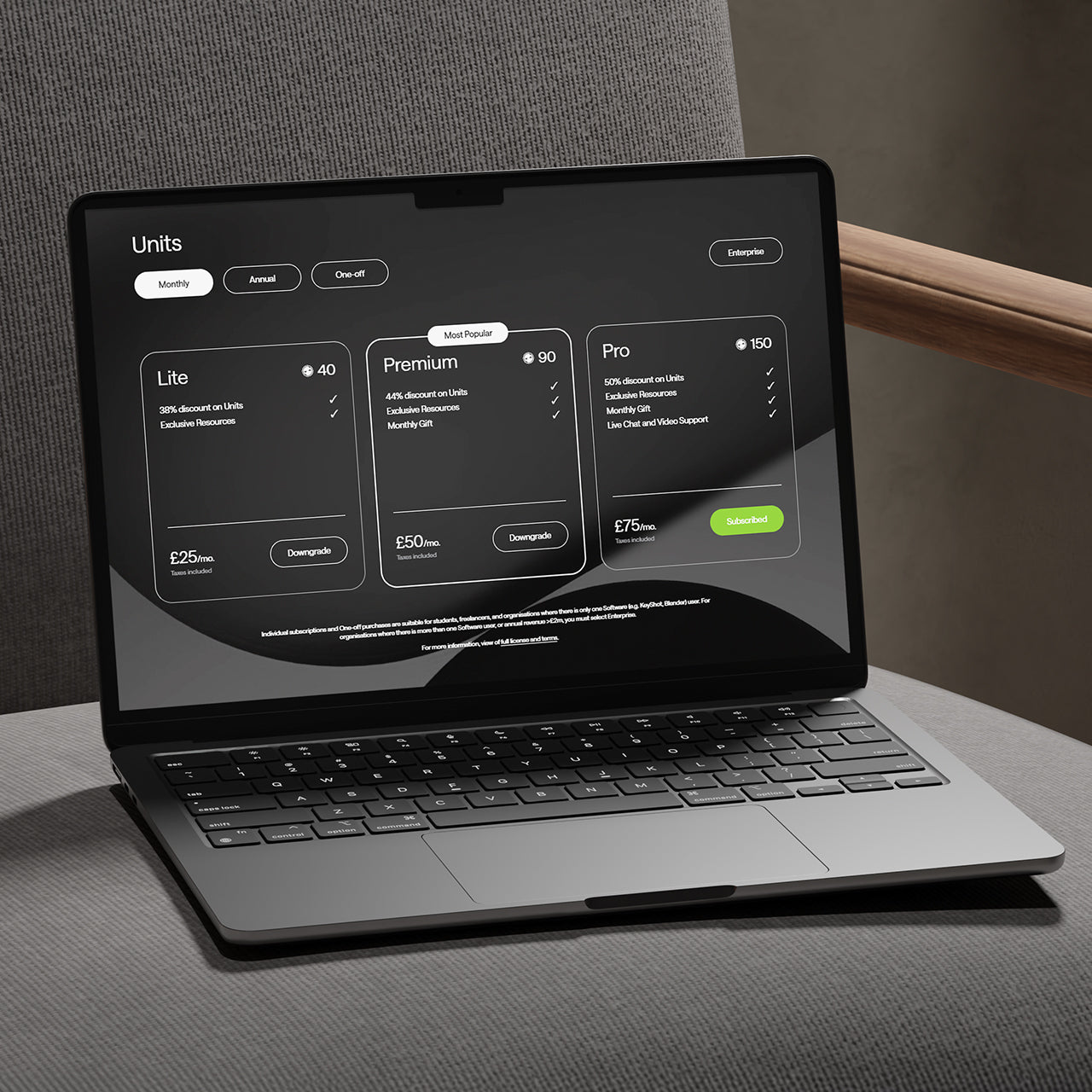
Visune Phase 2
Making use of the Shopify Plus customisable checkout, Absolute seamlessly integrated downloadable assets allowing customers to checkout with ease.
-
Shopify
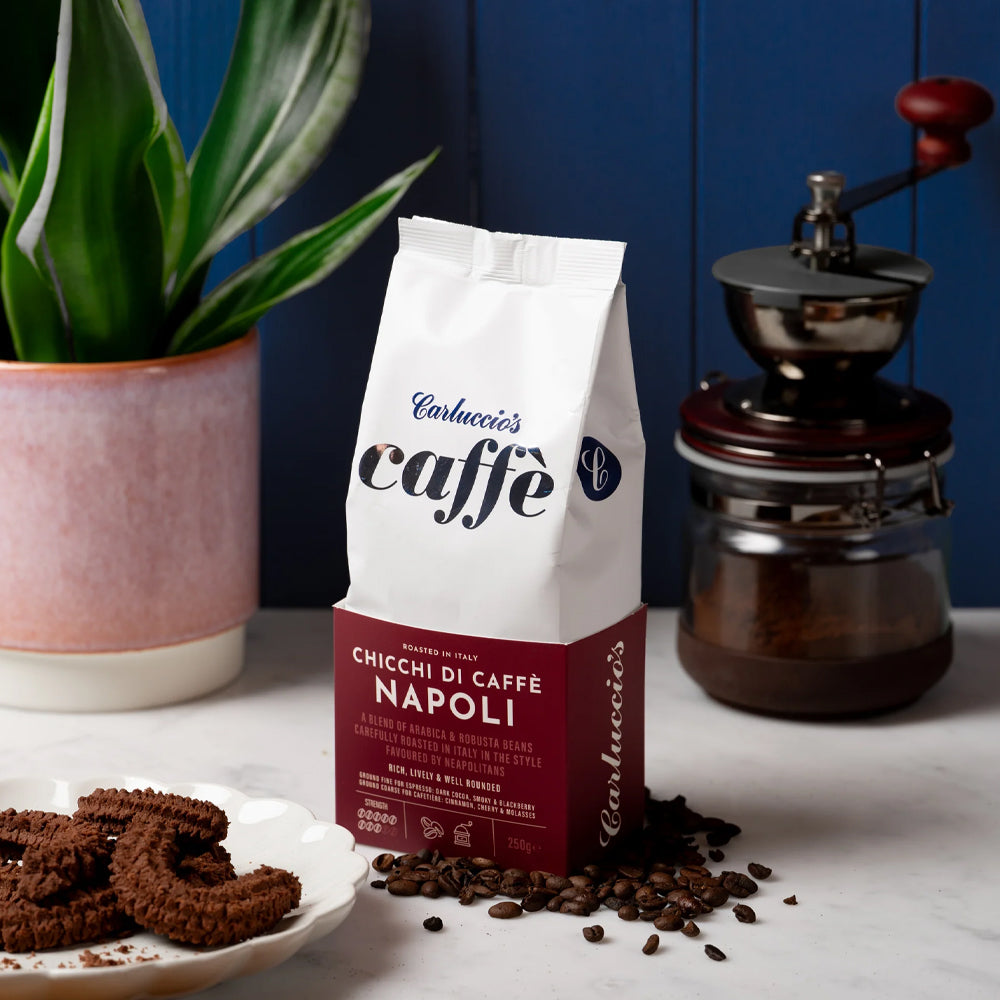
Carluccio's Coffee Subscription
Discover how we helped Carluccio’s transform their online coffee products, creating a bespoke design, unique user journey and efficient user experience, resulting in an eye-catching subscription service, seamlessly integrated with their Shopify site.
-
Shopify
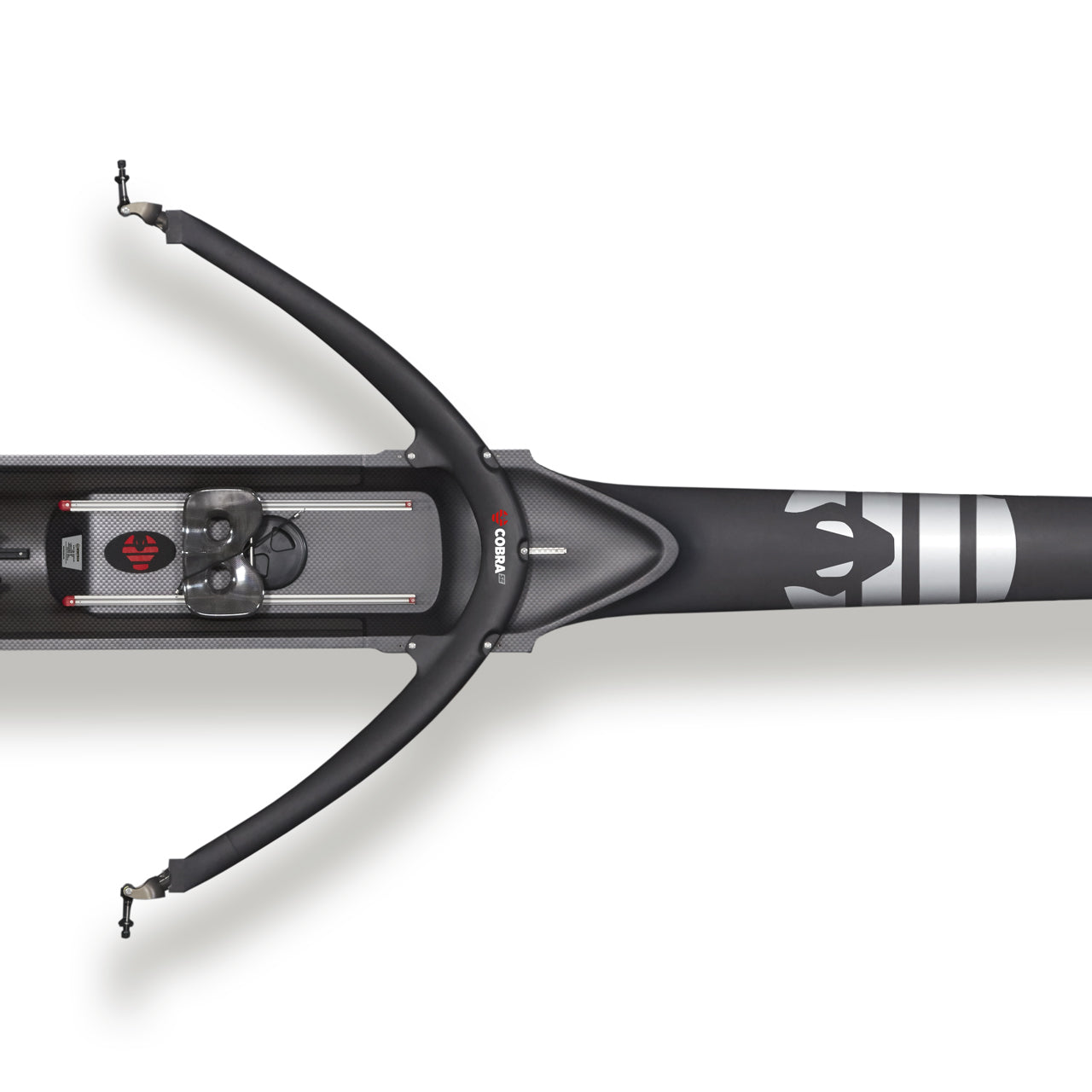
WinTech & King Racing
Creating a dual-branded, non-transactional Shopify site for WinTech and King Racing.
-
Shopify

Splash About - Shopify Plus
Discover how Splash About’s migration to Shopify Plus enabled faster product launches, stronger operational efficiency and a more intuitive experience for both retail and trade customers.
-
Shopify

Visune
Visune Shopify Plus build is picture perfect.
-
Shopify

Dataman
We have worked with our long standing client Dataman, the leading supplier of device programmers, as they migrated from Magento to Shopify.
-
Shopify

Shredall
Shredall recently approached us for a brand new Shopify website build, as the old site was built with an outdated Concrete5 platform and no longer met their requirements.
-
Shopify

Little Skiers
Since their inception in 2008, Little Skiers has been at the forefront of providing high-quality ski wear for kids. Recognising the need to evolve digitally, they embarked on a strategic migration to Shopify, aiming for a more streamlined and user-friendly online presence.
-
Shopify

Gattertop
From migrating legacy data and introducing subscription models to enhancing user experience with handwritten gift messages, discover how we delivered a cost-effective, robust solution on Shopify, setting the stage for the brand's growth.
-
Shopify
CONTACT
Are you excited to get your next project up and running? Or are you unsure what is dragging you down?
Contact Us to discuss how we can help increase sales and boost your online performance!

Enter your email address to sign up to our newsletter, featuring case studies, insights, industry news and much more.
If this is something you would like help with, please get in touch.